You need
Objective
 Add to Home Screen
opens without Safari's bars, and plays with no signal
Add to Home Screen
opens without Safari's bars, and plays with no signal
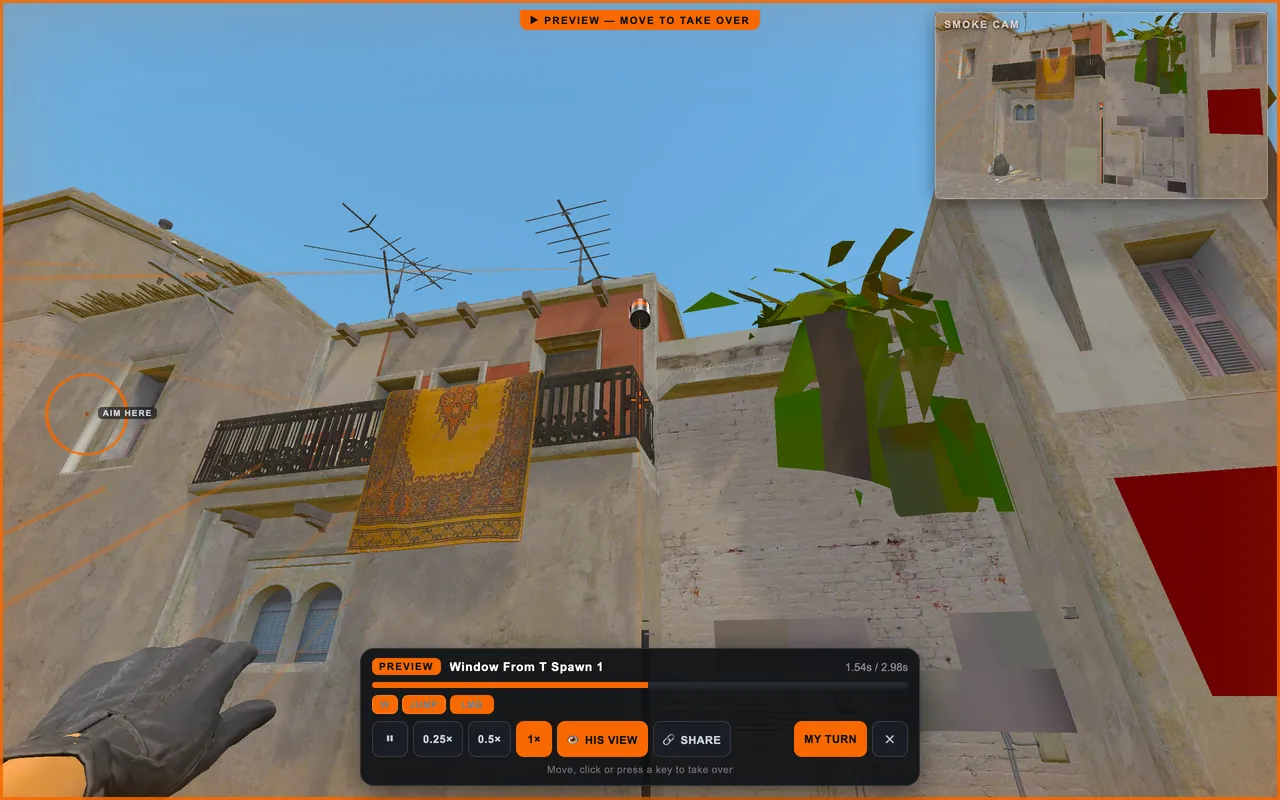
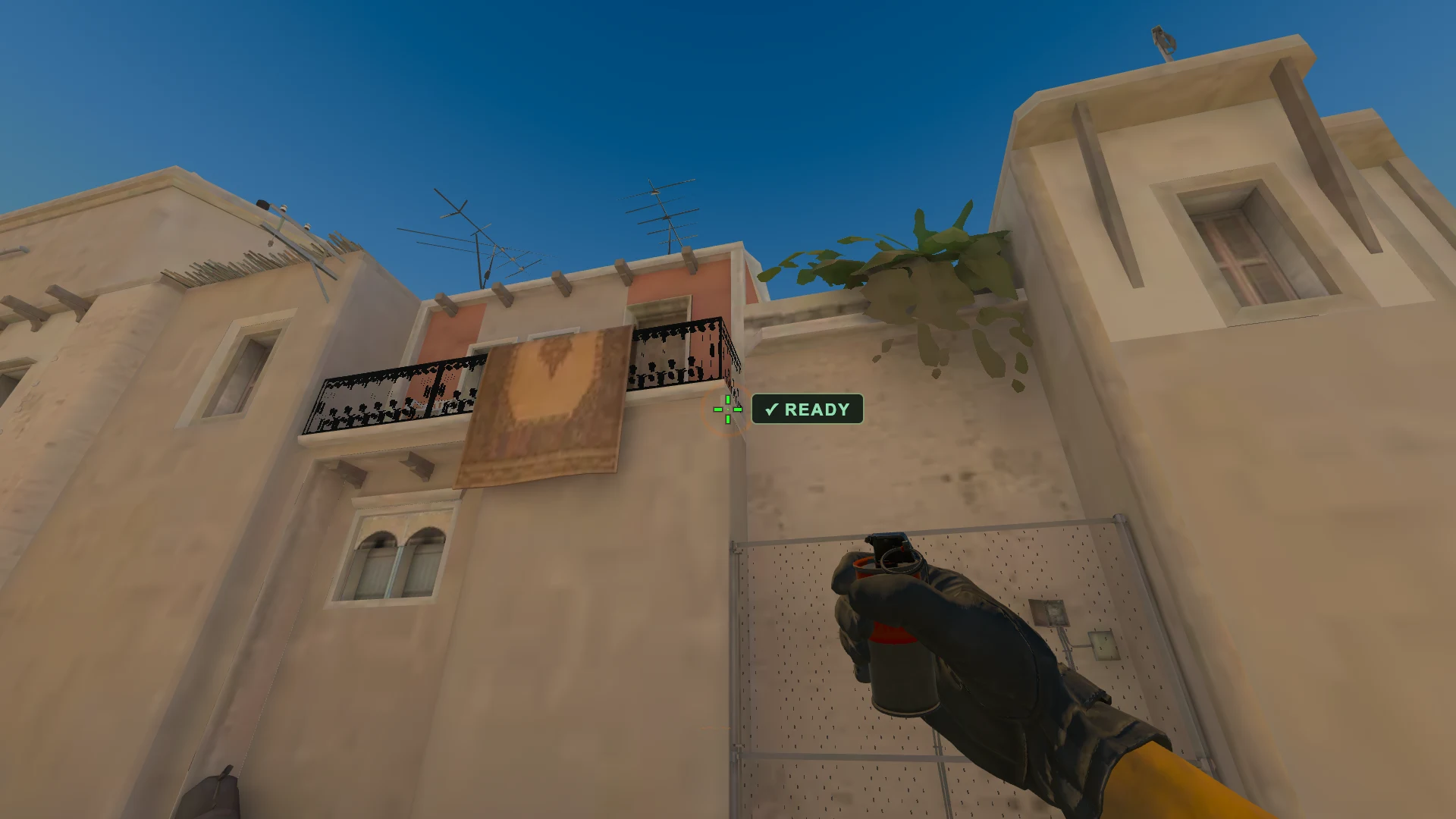
Five lineups, drawn at random from this map, one at a time. Each one plays for you first: where he stands, what he aims at, where it lands. Watch it as many times as you need, then I'M READY hands you the grenade, three tries, land it in the orange ring. Then the next one.
A set, thrown in this order, on one clock, one at a time. Each one plays for you, you watch it as long as you like, then it is your throw. The same lineups come up every run, so this is where a streak gets to three in a row and they turn to MASTERED.
Recorded for you: the stance, the release, the strength and the jumpthrow.
It goes up straight away, with your name on it. Next you can add a line about it, and you keep throwing either way.

Practise CS2 smokes, flashes and molotovs on the real maps, right in your browser.
Video, console, game. Then round again for the next lineup. One tab, and it remembers which ones are yours.
Opens on your phone too, so the lineups go with you.
Want to learn this smoke?
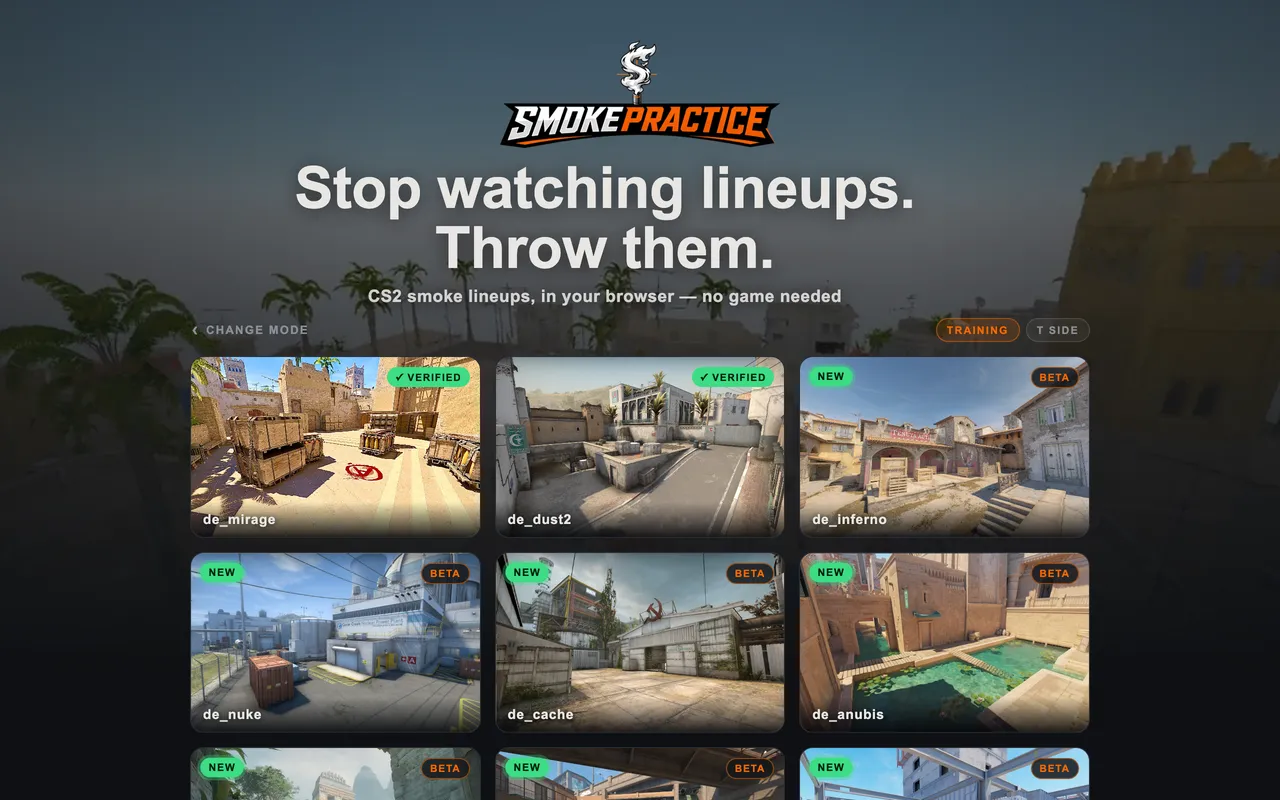
Try itMirage and Dust2 are checked throw by throw against pro demos. The other maps are fully playable and next in line.
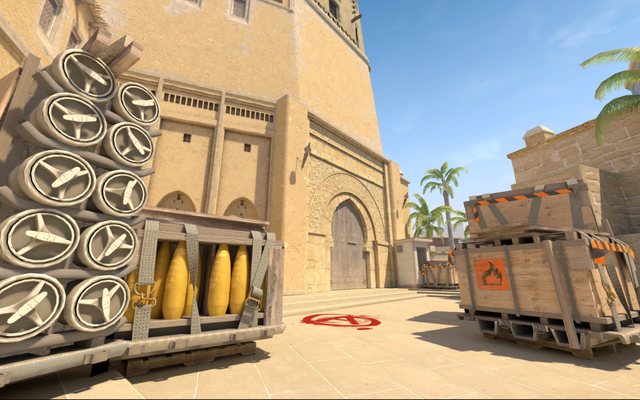
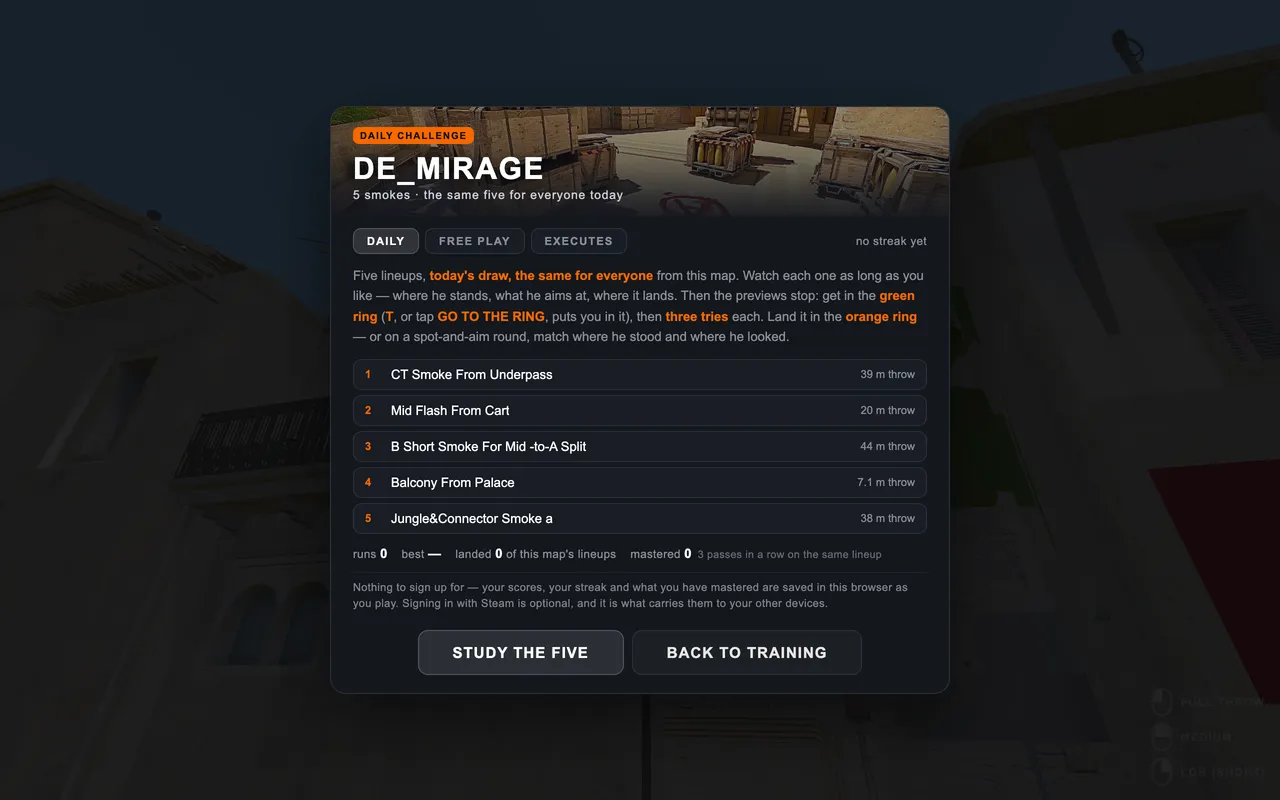
Five lineups. Three tries each. One free preview of any lineup. The same challenge for everyone.
not played yet todayThe ones actually asked. Anything that is not here gets answered in the Discord, usually the same day.
Ask in the DiscordNo. Pick a map and practice in this tab. You can start without an account; sign in with Steam when you want to sync your progress.
Yes. Browse on your phone, then rotate to landscape when you enter a map. Touch controls handle movement, aiming and throws.
Close enough that what you learn here works there, which is the only test worth passing. The movement and throw numbers are the game’s own, and every flight was checked against real demos: most throws land within about a metre of where the demo put them, nine in ten within a metre and a half. The weakest part is a grenade bouncing off a surface, and the maps differ: Mirage and Dust2 have been checked the hardest.
Yes, and you should, the point is that what you learn here carries back. Paste your CS2 share code, or the cl_crosshair lines from the console, and the crosshair is yours. Sensitivity takes the same number as the game and is converted the way the game converts it, with raw input and no acceleration.
A browser tab has a smaller budget than the game. The geometry and the textures are CS2’s own, but the lighting is worked out here instead of baked over hours, so a room can read flatter than you remember. The collision and the distances are the map’s, which is the half that decides whether a lineup lands.
People do. Each one is recorded from a throw that landed, and a small group re-throws them map by map. If one is wrong, say so in the Discord and it usually gets fixed the same week.
Tap a map to draw it out, tap it again to play it.
Hundreds of CS2 smoke lineups across nine maps, each with where to stand, where to aim and how to throw it. Watch the smoke, then throw it yourself in the browser and see where it lands.
Stand on the exact spot, put your crosshair on the aim point, and release the way the lineup says: full, medium, lob or jumpthrow. A smoke lineup only works from the same spot with the same release, which is why it has to be practised rather than read.
The ones your side throws every round: the mid smokes, the site entry smokes and one retake smoke per site. Each map has packs of five picked for exactly that.
Every smoke has a picture of where to stand and aim, and a replay of the throw. Then it is your turn, and the smoke camera follows your grenade down.
Pick a map, open a smoke, watch where to stand and aim, then throw it yourself until it lands every time. SMOKEPRACTICE does this in the browser with CS2 physics and no server to set up.
Some do and most do not. Each lineup says whether it is a jumpthrow, a standing throw, a lob or a running throw.
Start with five: the ones your side uses every round. Learn them until they land without markers, then add the next five.
CS2 utility trainer · CS2 flash lineups · CS2 molotov lineups · CS2 nade practice commands · How it works